Plans and credits
What credits are, what spends them, how to read your usage, and how plans and credit packages differ.
Tayon charges for work done, not for seats. That work is measured in credits.
Your plan decides how many credits you get each month and which features you can reach. If you run out before the month is over, you buy a credit package — you do not have to change plan.
#Where to see your balance
The credit panel sits at the foot of the sidebar at all times: your balance, the date it next renews, and a Usage button.
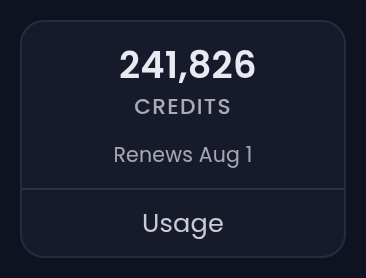
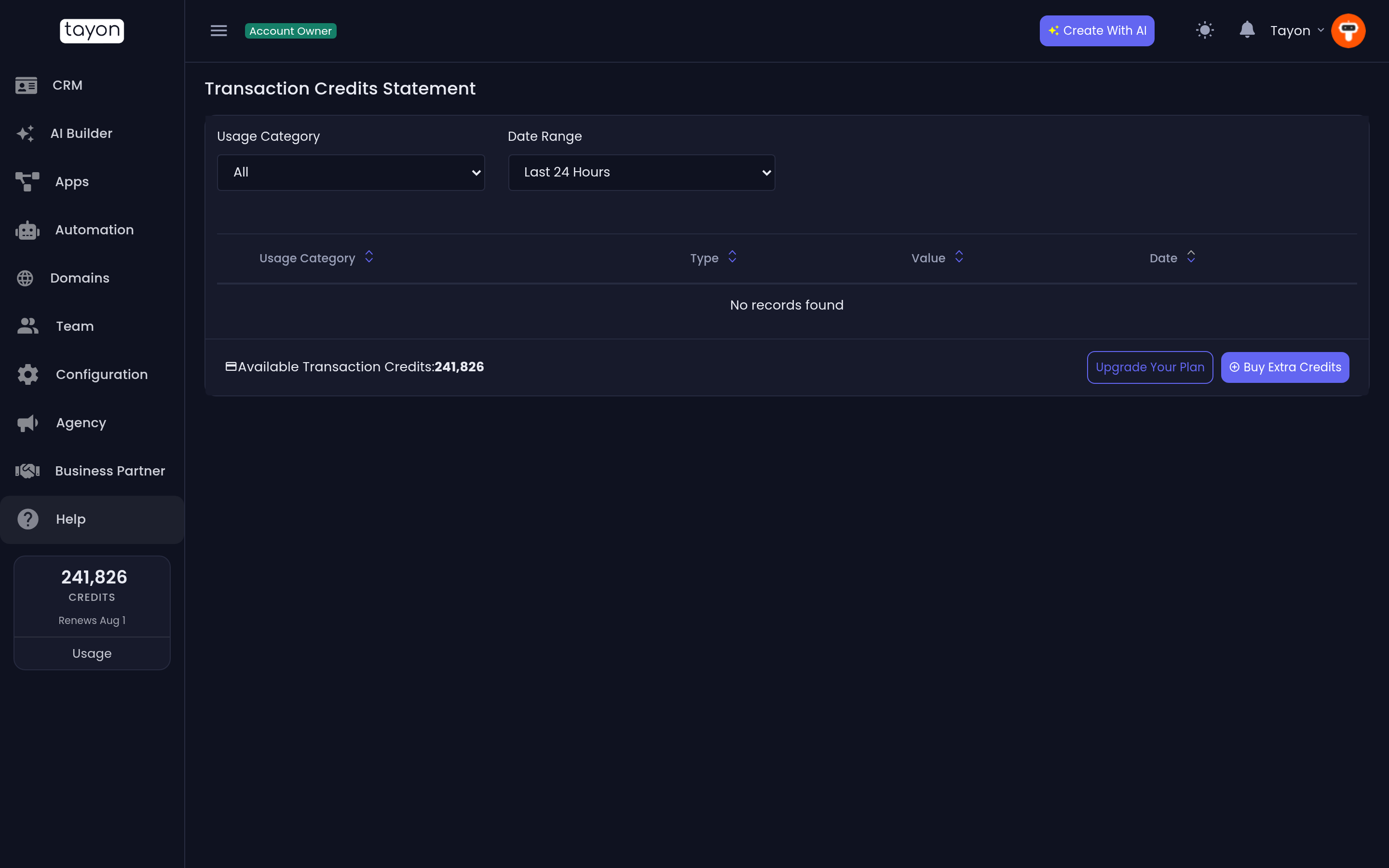
Usage opens an overview of your available credits, how they have been used over time, and a Buy Extra Credits button. For the line-by-line record — every charge, when, and on what — open Transaction Credits Statement in your account menu.
#What spends credits
Anything where Tayon does work on your behalf:
| Activity | Charged |
|---|---|
| Someone completes a conversational form | Per session |
| A published website stays online | Per day, per site |
| A connected WhatsApp number stays connected | Per hour |
| AI writes or generates something | Per generation, by size |
| Sending email, SMS or WhatsApp | Per message |
| An AI voice call | Per call, by length |
Browsing the app, editing, and saving cost nothing. You are only charged when something is produced or sent.
#Plans
Payment History in your account menu shows your current plan, what it includes, and every invoice.
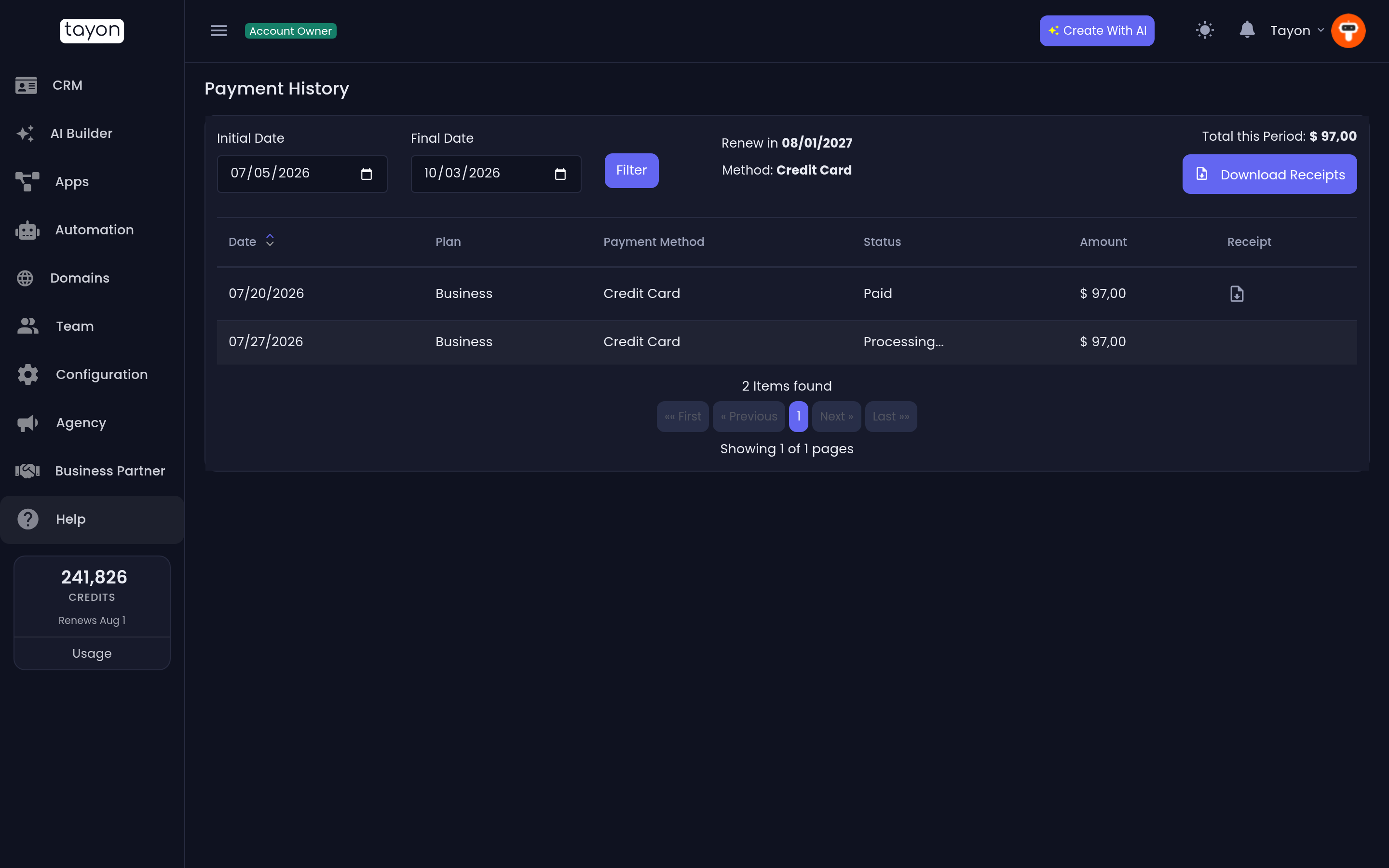
Moving to a larger plan raises your monthly credits and unlocks the features that plan includes. Some features — Voice AI and the agency tools, for example — are only available on plans that include them; on other plans their screens show what you would need to upgrade to.
#Change or start a plan
- Choose Upgrade Your Plan in the top bar, or in your account menu.
- Pick a plan.
- Pay on the secure checkout page that opens.
The checkout page is shown in your account’s language — English, Portuguese or Spanish, as set in your profile — whatever language your browser happens to use.
Plans priced in reais (R$) can be paid by card or by Pix, whichever country your account was registered in. With Pix you authorise Pix Automático once in your bank app, and each renewal is then debited automatically. A Pix renewal can take a few days to clear; your account stays available meanwhile.
#Credit packages
A package is a one-off top-up. It does not change your plan or your renewal date; it just adds to your balance.
- Choose your balance in the credits panel at the foot of the sidebar, or Buy Extra Credits on the Usage screen.
- Choose a package.
- Pay. The credits land as soon as the payment is confirmed.
Packaged credits do not expire at the end of the month the way the monthly allowance does.
#Running low
Tayon warns you before you run out, and warns again when you are nearly there.
If your balance does reach zero, work that costs credits stops — new generations fail, messages queue instead of sending. Conversations already in progress on a live conversational form are allowed to finish, so a visitor is never cut off halfway through. Everything resumes the moment you top up or your plan renews.
#If a payment fails
When a renewal is declined, a red banner appears at the top of the app with a Fix my payment button, and the declined charge is marked in Payment History. You keep your plan and your price — you only need to give the subscription a way to pay. See Fix a failed payment.
Updated: